
Iconik Plugins

Delete Proxies / Keyframes

The Delete Proxies / Keyframes plugin enables bulk removal of generated proxy files from iconik assets—and optionally deletes keyframes as well. This plugin is ideal for cleaning up proxy formats after a change in proxy strategy, cloud storage provider, or ingest workflow.

It’s especially useful in environments where not all asset formats require proxies (e.g., ISO camera recordings or temp files), or when you need to ensure proxies are removed from a deprecated storage bucket.
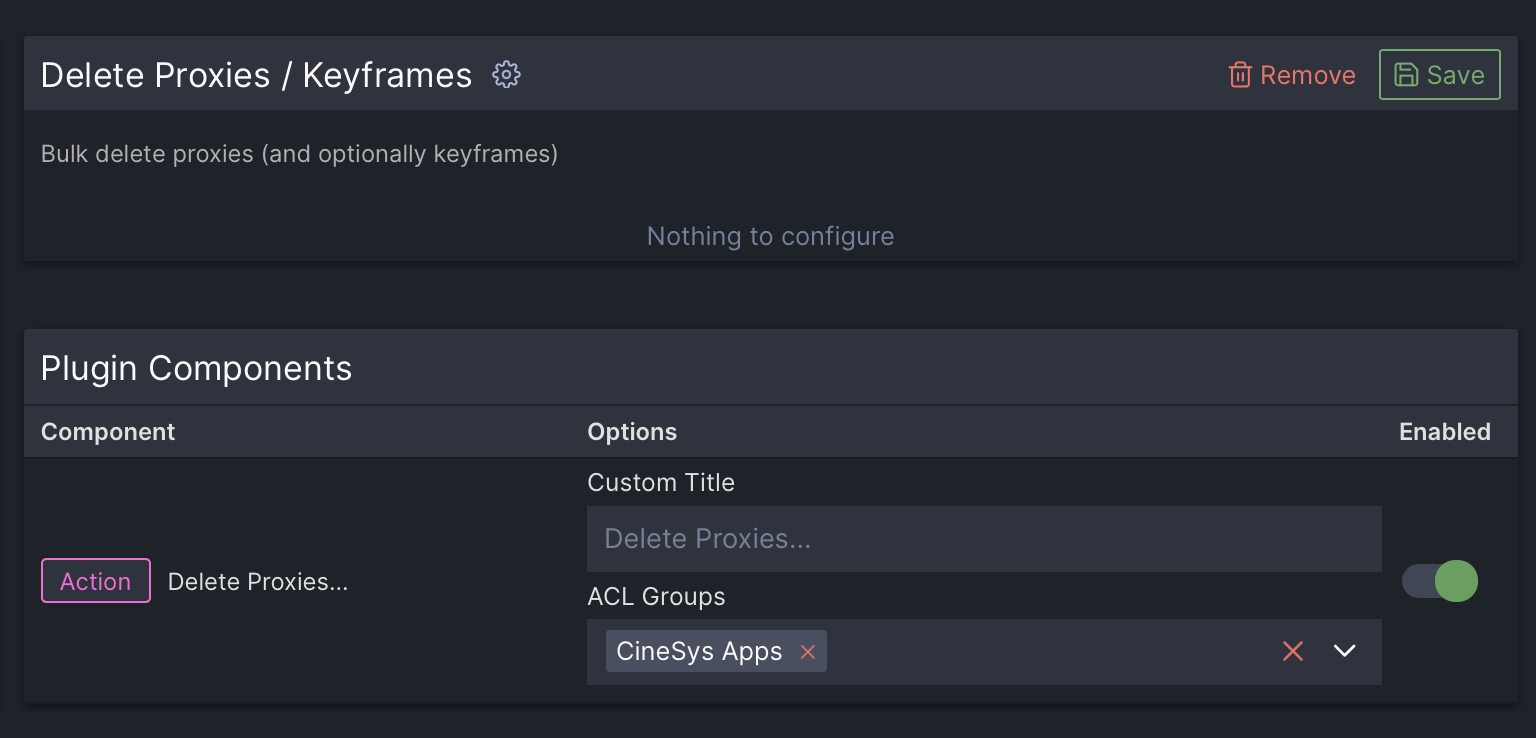
Delete Proxies

Key Features:

  • Bulk Proxy Deletion: Removes all proxy formats associated with selected assets.
  • Optional Keyframe Deletion: Keyframes generated during proxy creation can also be deleted, if applicable.
  • No Configuration Required: This plugin is simple and fast—there’s nothing to configure. Just run it on an asset, collection, or saved search.
  • Supports Batch Execution that can be triggered across:
    • Individual assets
    • Entire collections
    • Saved searches (e.g., all proxies on a specific cloud bucket or matching filename patterns)

Example Use Cases:

Proxy Cleanup After Cloud Migration
After moving to a new proxy storage provider, use this plugin to ensure that all proxies are fully deleted from the previous bucket to prevent cross-bucket billing or data duplication.

Selective Proxy Removal
In multi-camera workflows (e.g., church or studio production), you may only want a proxy generated for the main program feed—not the ISO camera feeds. This plugin allows you to delete unwanted ISO proxies in bulk.

Re-transcode Prep
If proxies were generated incorrectly (wrong format, bad bitrate), you can clear them out and trigger new proxy generation cleanly.

Pricing

Upon Request

Buy Now
  • Implementation
  • Support (business hours)
  • Updates and feature upgrades