

A new Type tool, OCIO color management support and clip upscaling
Autodesk has released the 2026 version of Flame with many great new features, such as support for OpenColorIO (OCIO) color management, a new Type tool for text and titling tasks, and upscaling that allows you to double, triple, or quadruple the resolution of a clip using Machine Learning models.
What's New in Flame 2026
- OpenColorIO replaces SynColor as Flame’s colour management engine.
- The Project Management panel has been redesigned to implement many user-requested features.
- Media, renders, caches, and media references are now stored in a project-based structure, replacing the previous volume-based system.
- A new, long-awaited tool named Type replaces the Text tool.
- The resolution and quality of video sequences can be augmented using machine learning. (Rocky Linux only)
- Different DRX files can be quickly applied to multiple timeline segments by setting tokens in the definition of the “Effect File Path” in the DaVinci Resolve Renderer OpenFX plugin.
- The ARRI, Sony RAW, and Blackmagic Design Raw SDKs have been updated.

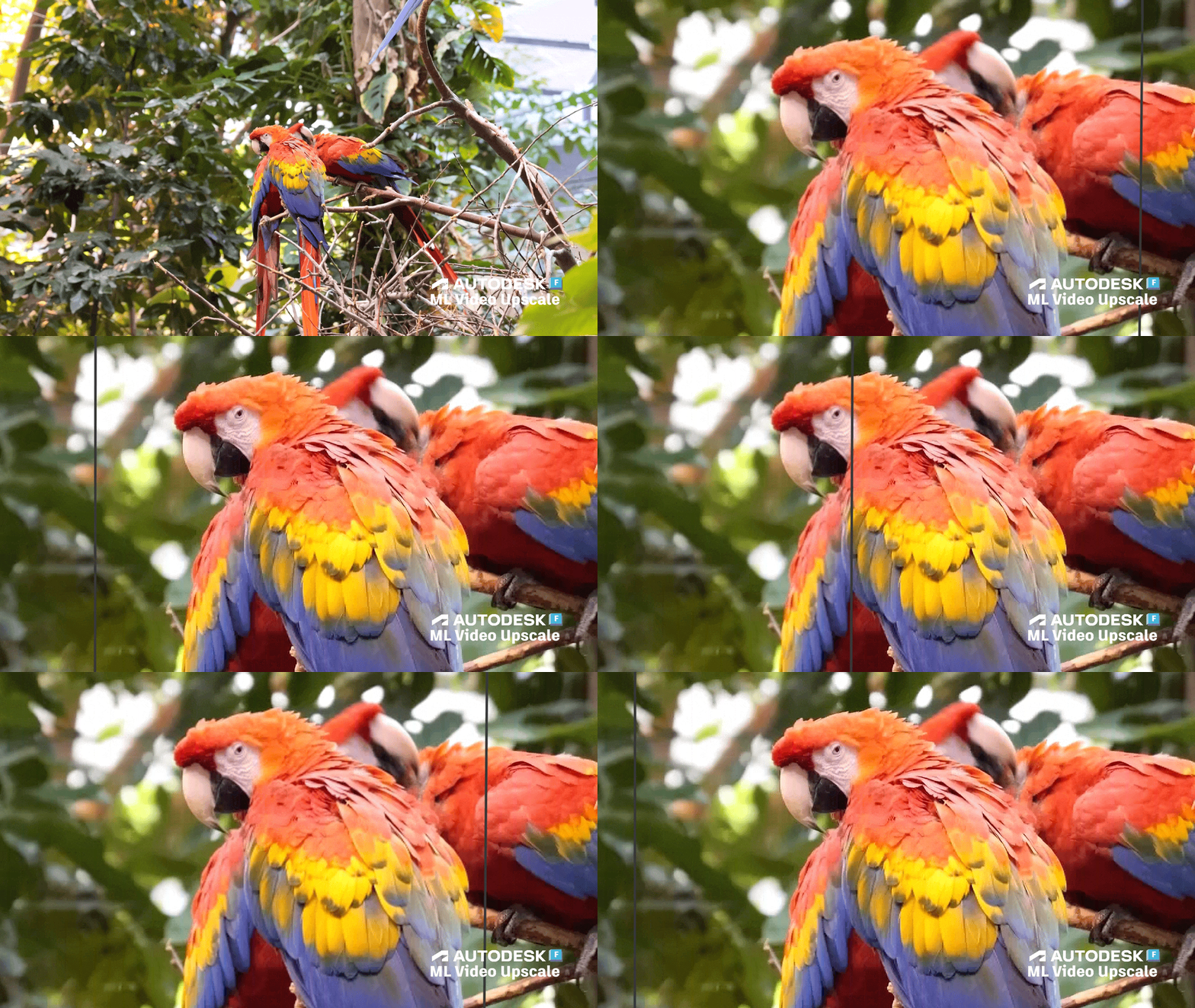
Machine Learning Upscaling
Double, triple, or quadruple the resolution of a clip using Machine Learning upscaling models by choosing the desired factor in the Scaling Presets drop-down. This feature is currently only available on Rocky Linux, where you can select the ML option in the destination’s Resolution Mode drop-down of a Resize & Crop, Render, Write File node, or in the Media Export window.
Type replaces Text
Use the new Type tool to add text, titles, rolls, and crawls to a clip or sequence. Highlights include:
- Better integration in Batch, Batch FX, and in the Timeline
- Revamped user interface and workflows
- Layers management using the Layers List
- A revamped font workflow
- Improved kerning workflow
- Improved underline, outline, background, and shadow attributes
- Cascading options like in 3D Text
- Support for Styles in the Explorer and Presets on disk
- Scoping options like Subtitle in the Timeline
- Controls for the Type Timeline FX accessible from the Timeline FX Ribbon
- Improved rendering quality

Support for OpenColorIO (OCIO)
OpenColorIO supports workflows involving scene-referred and display-referred colour spaces and integrates well with popular applications like Autodesk Maya, 3ds Max, RV, and VRED, Adobe After Effects, Blender, Foundry Nuke, and many others. It’s particularly used in visual effects and animation to manage complex colour transformations across tools and devices.
Flame Family 2026 adds support for OCIO, which replaces Autodesk Color Management (SynColor) and provides backward compatibility for content created in previous releases. The transition from SynColor to OCIO should be smooth, while adding new capabilities and easing colour management workflows between Digital Content Creation applications supporting OCIO.